Guide
AI Readiness Assessment: A Practical Checklist Before You Build
Before you hire anyone to build an AI workflow, run this checklist. It will tell you whether the process is genuinely ready or whether you will be spending build budget on top of a mess that will still be there six weeks later.
By Zaniar Ahmadi · Updated
Quick Answer
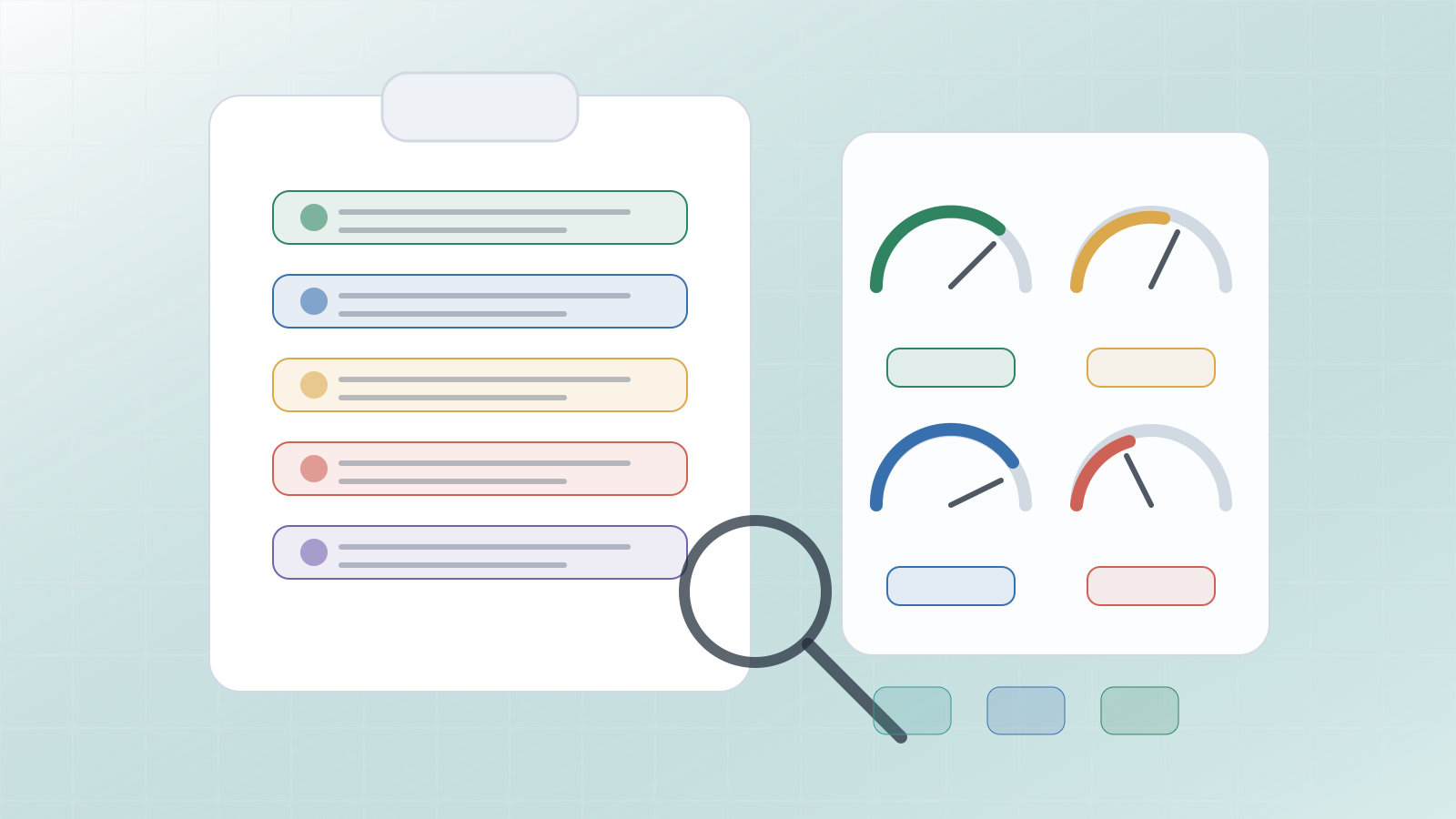
A workflow is ready for AI automation when five things are true: the work is repeatable and clearly owned, the input data is accessible and usable, the team can describe what a good output looks like, a human can review risky results before they affect anyone, and you can measure whether things improved after the automation is live.
If those five things are not true, start with process cleanup. Adding automation on top of a confused process does not fix the confusion — it automates it. The readiness check is designed to show you exactly which one is missing before you spend any build budget.
If you need help deciding what to inspect first, the AI consultant for small business guide covers how to choose the first workflow to check.
The Five Readiness Areas, Explained
Run through each area for the specific workflow you are considering. A workflow that passes all five is worth scoping. A workflow that fails one or more reveals the cleanup work that comes first.
1. Workflow clarity and ownership
This means: someone can explain the workflow from trigger to output in plain language, the steps are consistent enough that two different people would handle the same input the same way, and there is one person who owns the outcome and has the authority to make decisions about it.
A workflow that passes: Your sales team lead can explain how every inbound enquiry is processed — what triggers a response, what information goes into the CRM, who sends the first reply, and how long it should take. They own the process and can approve changes to it.
A workflow that fails: "It depends on who is handling it that day" is the answer you get when you ask how it works. Nobody can name one person who owns it. Different team members follow different steps and produce different outputs for the same input. This process needs documentation and ownership before it needs automation.
2. Data accessibility and quality
This means: the data the automation needs already exists in a place the system can access, it is in a consistent enough format to work with reliably, it is allowed to be used under your data agreements and privacy policies, and it is accurate enough that outputs based on it are trustworthy.
A workflow that passes: The data lives in your CRM or a shared inbox with consistent labelling. The format is predictable enough that 90% of cases look similar. Your terms of service or data agreements permit processing it with an AI model.
A workflow that fails: The information needed to process a case is spread across personal inboxes, three different spreadsheets, and a document folder nobody has organised in two years. Or the data includes sensitive customer information without a clear basis for processing it with external AI tools. Fix access and quality first. See the AI-ready data foundation guide for a structured approach.
3. Output clarity: what does "good" look like?
This means: the person who will review the automation's output can clearly describe what an acceptable result looks like, can identify a wrong result when they see one, and can explain the common exceptions that require different handling.
A workflow that passes: Your support manager can immediately tell whether a draft reply is appropriate. They can show you examples of good and bad responses from the past month. They know the three or four situations that always need to be escalated rather than handled automatically.
A workflow that fails: "We will know it when we see it" is the answer to "what does a good output look like?" If the team cannot agree on what right looks like in advance, they cannot evaluate whether the AI is producing it. Define the output quality criteria first — this is also what the AI system needs to produce reliably.
4. Risk controls and human review points
This means: there is a natural point in the workflow where a human can review the AI's output before it affects a customer, a payment, a sensitive record, or a legal obligation. The review step does not need to catch every case — just the cases where getting it wrong has real consequences.
A workflow that passes: The automation drafts the reply, creates the CRM record, and flags the case. A team member reviews and approves before anything is sent. They only need to spend two minutes on clear cases; edge cases get more attention. The human is still in the loop for anything that matters.
A workflow that fails: The automation would send responses directly to customers with no human review, update financial records automatically, or make decisions that affect data you cannot easily reverse. If there is no natural review point and the consequences of an error are significant, add the review step before you automate, even if it makes the automation slower.
5. Measurability: can you tell if it helped?
This means: you can measure the baseline state of the workflow before automation and compare it with the state after. The metric does not need to be complex — time saved per case, queue length, rework rate, or number of escalations are all reasonable starting points.
A workflow that passes: You know that your team processes 15 inbound enquiries per day and each one takes about 20 minutes end-to-end. After the automation, you expect that time to drop to five minutes per case. You can measure both numbers without building a separate reporting system.
A workflow that fails: You cannot tell how long the workflow takes or how often it results in errors or rework. If you cannot measure the baseline, you cannot measure whether the automation helped. Set up basic tracking first — even a shared tally sheet for two weeks gives you enough to work with.
Score The Workflow Before You Build
Use a simple scorecard. Give each area a score from one to five. One means "not ready at all" and five means "clear, documented, and well-understood." A workflow does not need perfect fives — most real workflows have at least one low-scoring area. The score tells you where to focus your preparation work before you ask anyone to build.
| Area | Score 1–2 means | Score 4–5 means |
|---|---|---|
| Workflow clarity | Steps vary, no named owner | Documented, consistent, one clear owner |
| Data quality | Scattered, inconsistent, unclear permissions | Accessible, consistent, approved for use |
| Output clarity | "We'll know it when we see it" | Defined criteria, examples ready, exceptions mapped |
| Risk controls | No review point, errors hard to catch | Clear human review step before any risky action |
| Measurability | No baseline, no way to compare before and after | Baseline measured, success metric agreed |
If any area scores a one or two, treat it as a blocker. Write down the specific cleanup task required — assign an owner, collect examples, centralise the data, or define the output criteria — and set a realistic date to revisit the automation decision. For most workflows, that preparation takes one to four weeks, not months.
Readiness Looks Different By Business Type
The same five readiness areas apply to every business, but where common gaps show up varies. Here is a quick reference for some common small business types.
| Business type | Most common readiness gap | Typical first fix |
|---|---|---|
| Service businesses and agencies | Output clarity — what a good response looks like varies by project and client | Write response guidelines and gather 20 examples of approved outputs |
| Professional services (accountants, law firms) | Data permissions — sensitive client data without a clear processing basis for AI tools | Review data processing agreements and check whether anonymisation is feasible for the automation scope |
| Operations and logistics teams | Measurability — no baseline for the current state of the workflow | Track the workflow manually for two weeks to establish a baseline before building anything |
| Customer support teams | Risk controls — automation that sends directly to customers without a review step | Build a review queue as the first version; remove it only for the categories where error rates are consistently low |
| Small e-commerce and retail businesses | Workflow clarity — customer contact is handled inconsistently across channels and team members | Consolidate inbound enquiries to one channel and document how each category is handled before automating |
When You Are Not Ready: What To Do Instead
These are not reasons to give up on automation. They are reasons to do the preparation work before you start. Each one has a specific fix.
Nobody can agree on where the process starts, ends, or who owns it.
Critical information lives in private inboxes or individual spreadsheets with no backup.
The team wants AI to fix a process they have not been able to standardise manually.
There is no named owner who will review outputs after the automation goes live.
The 'good outcome' definition changes depending on who you ask.
The preparation work is almost always faster than it looks. Assigning a workflow owner takes an afternoon. Documenting the steps takes a few hours. Collecting 20 examples of inputs and outputs takes a day. Centralising the data source is sometimes a week. These are not multi-month projects — they are one-week cleanup tasks that most teams keep deferring because there is always something more pressing.
If the main issue is data quality and structure, the AI-ready data foundation guide covers the preparation process in detail.
Want A Readiness Check Before You Build?
I can review your workflow, data, tools, access permissions, and review points, then give you a clear picture of what is ready to automate and what needs cleanup first. If you are not ready, you will leave with a short list of specific tasks — not a vague "it depends."
Run This Check In 30 Minutes
You do not need a consultant to run a first-pass readiness check. Here is how to do it yourself for one workflow in about 30 minutes.
- Name the workflow. Write one sentence: "When [trigger], someone does [task] to produce [output] for [recipient]." If you cannot write that sentence without hedging, stop — workflow clarity is your first fix.
- Name the owner. Who is responsible for this workflow right now? One person, not a team or a role. If nobody can be named, assign someone before moving on.
- List the data sources. Where does the information come from? Can a system access it without a person retrieving it manually? Is it consistent enough to process programmatically?
- Define good and bad. Collect five examples of a good output and three examples of a bad one. If you cannot find those examples, you need to define the quality criteria first.
- Find the review point. Where in the workflow can a human check the output before it affects a customer or a record? Mark that point — that is where your review step will live.
- Measure the baseline. Track the workflow for one week: how many cases, how long each takes, how many need rework. That is your before-measurement.
If you get through all six steps cleanly, you have passed a basic readiness check and are ready to scope the automation. If you get stuck on any step, that is your first cleanup task.
Next Step
Pick one workflow and score the five readiness areas from one to five. If any area scores one or two, write down the specific cleanup task and a realistic date. If everything is at three or above, you probably have enough to scope a small pilot.
Once the workflow is ready, the AI automation consultant guide explains what the build process looks like and what to expect from an implementation engagement. If you are still deciding which workflow to check first, the AI consultant for small business guide covers how to make that choice.
Frequently Asked Questions
Short answers to the questions that usually come up before a project involving AI or automation.
What is an AI readiness assessment?
It is a practical check of whether a specific workflow has the ownership, data quality, process clarity, risk controls, and measurability needed to automate safely. It is not a broad company-wide audit — it is a focused check on one workflow at a time. A workflow that passes the check is worth scoping for automation. A workflow that fails reveals what needs to be cleaned up first.
How do I know if my data is ready for AI?
Your data is ready enough when it is accessible to the consultant or system doing the work, reasonably consistent in format, allowed to be used under your data agreements and privacy obligations, and good enough that a person looking at the output can judge whether it is correct. If you cannot access the data without involving multiple people, if it is scattered across private inboxes, or if it contains sensitive records without clear usage permissions, fix that before automation.
Can a small business do a readiness assessment without engineers?
Yes. The first readiness pass is almost entirely operational. It requires a workflow owner, one hour of focused conversation, and examples of inputs and outputs from the last few weeks. Engineering questions come later, during scoping, once you have confirmed the workflow is worth building. Start with business questions: who owns this, what triggers it, what does good look like, what goes wrong.
What if the workflow fails the readiness check?
That is a useful outcome, not a failure. It means you have found the preparation work that needs to happen before you spend money on automation. Standardise the handoff, assign a clear owner, collect examples of good and bad outputs, remove duplicate data sources, and decide how mistakes will be caught. That cleanup work usually makes the eventual automation smaller, faster to build, and much less likely to break quietly.
What comes after a readiness assessment?
If the workflow passes, the next step is a short scoping conversation with an automation consultant to turn the readiness check into a build brief: the scope, the tools, the review step, and the success measure. If it fails, create a short cleanup backlog — usually three to five items — with a named owner and a realistic timeline before you revisit the automation decision.
How often should a business run readiness checks?
Run one whenever you are considering a new automation project and whenever an existing automation starts behaving unpredictably. Readiness is not permanent — a process that passes can fail later if the data source changes, the owner leaves, or the underlying workflow evolves. Build a short re-check into your quarterly operational review.