Guide
AI agents in production: what to check before go-live
A working demo is the start. Before an AI agent runs real work, check its permissions, test evidence, approval points, failure recovery and the person who owns it.
The release decision
Put an AI agent into production when you can show what it is allowed to do, how you tested it, where a person must approve an action, and how the team stops or recovers it. A convincing demonstration does not answer those questions. It shows a possible path through the work, often using the examples its builder knows best.
This guide is for a platform, engineering or operations lead with a working prototype and a real release decision. An agent is software that can choose and carry out steps towards a task using connected tools. That freedom makes its boundaries part of the product, not paperwork to finish after launch. Start with one task and work through the checks below. If a check fails, commission the missing work before increasing the agent’s access or the number of people relying on it.
1. Define one bounded job
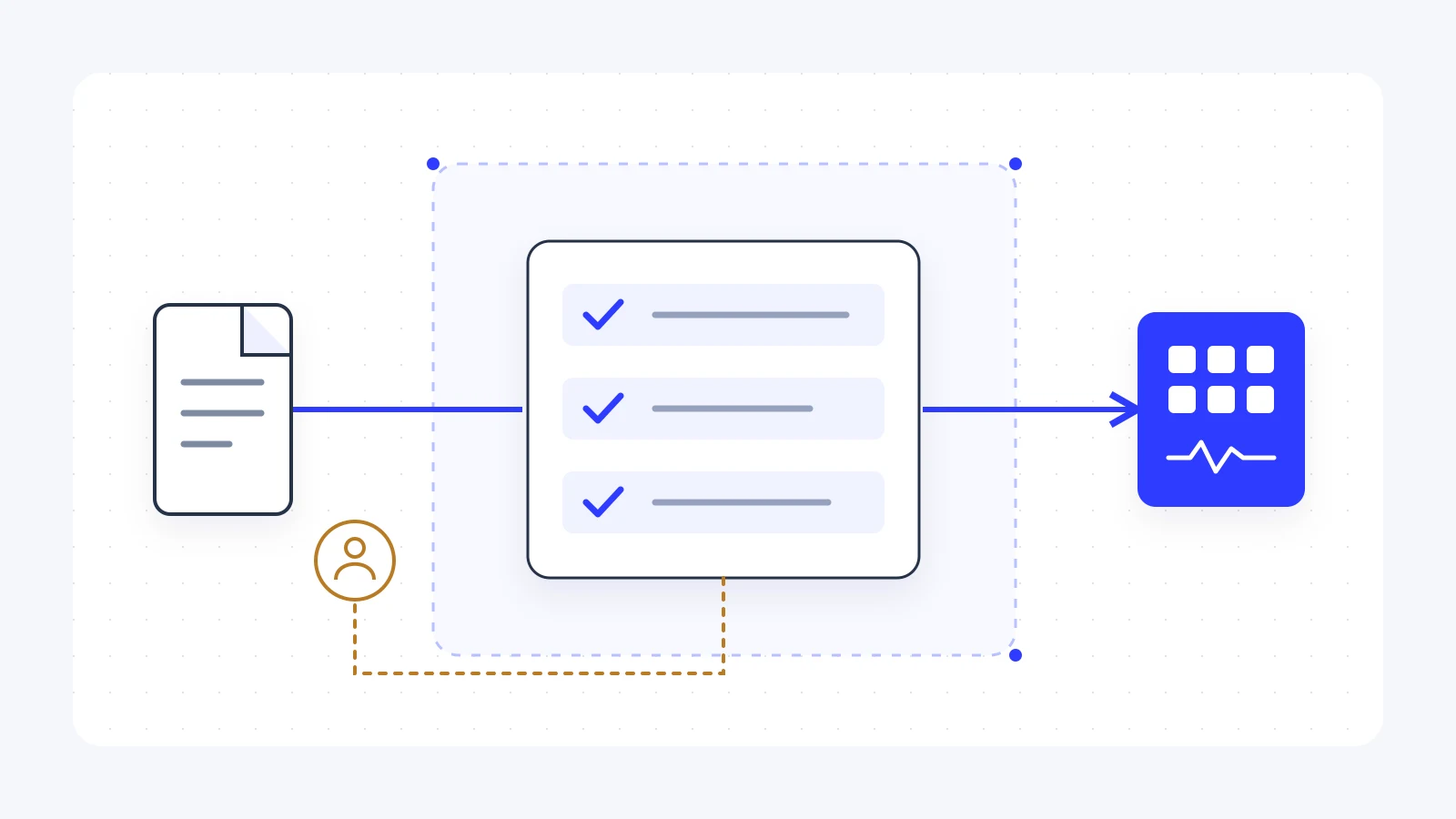
Imagine a team receiving supplier documents by email. The proposed agent reads each document, finds the matching account, identifies missing information and prepares an update. That is a useful starting point. Giving it a broad instruction to manage supplier relationships leaves too many decisions undefined. This example is illustrative, rather than a claim about a client result.
Write down the trigger, permitted inputs, allowed tools, output and stopping condition. Name the actions it must never take. Your first release might prepare a record for review but never change payment details or send a message. If the steps can be written as reliable rules, use a fixed workflow instead. An agent needs a reason to make choices; a model call inside an automation does not require giving it control over the rest of the process.
Pass: the owner can describe a finished case and an out-of-scope case. Fail: the only success criterion is that the agent is helpful. If that is where you are, narrow the job before building more tools. The guide to an AI automation consultant explains how to scope a delivery workflow first.
2. Prove the access boundaries
Separate the person who builds the agent, the person who calls it, and the identity it uses to reach a tool. Being allowed to configure an agent should not be treated as proof that a user can run it, or that it can read every document the user asks about. Microsoft’s Foundry identity guidance describes these as separate permission boundaries.
Test the intended access and a deliberate denial. In the document example, the agent should read the approved supplier folder and create a draft in the agreed queue. Try an unrelated folder and a restricted record as well. The result should be a clear refusal or a safe failure, with no information from the blocked resource leaking into the answer. Store credentials in the approved secret or identity service, rather than putting a builder’s personal key in a prompt or shared notebook.
Pass: allowed and denied cases behave as designed.Fail: the prototype works only with administrator access. Reduce the permissions and rerun the task before calling it ready. Read the security approach for the questions I ask before connecting to business systems.
3. Check both directions of the network
A private front door does not prove every connection behind it is private. Map the route from the caller into the agent, then the routes from the agent to storage, search, tools and logging. Check how names resolve from the environment where the agent actually runs. A test from a developer’s laptop is not a substitute for that runtime test.
For Foundry deployments, Microsoft’s networking options distinguish incoming endpoint access from outgoing agent connections. A private endpoint with public outgoing access is a different design from network isolation. Confirm support for your chosen agent type, region and tools before agreeing the architecture.
Pass: each required connection has a documented route and an observed test result. Fail: the diagram says private, but nobody has checked tool traffic. Resolve the discrepancy with the platform owner; do not turn off a control simply to make the demonstration run.
4. Test more than the demonstration
Build a test set from permitted examples of the real task. Include incomplete documents, conflicting instructions, unavailable tools and a request the agent should refuse. Keep some examples separate from those used while improving the prompts. Otherwise you risk testing how well the system remembers its development examples.
Agree what counts as acceptable with the process owner. For document intake, that may mean identifying required fields, preserving their source and sending uncertainty to review. Measure an actual completed case, not whether the answer sounds confident. An answer that looks plausible but updates the wrong account is a failed task. Record the model, instructions and tool versions so you can explain a change in behaviour later.
Microsoft’s evaluation overview covers checking outputs, test inputs and production traces. Those capabilities support your evidence; they do not choose your business release criteria. Pass: someone can repeat the tests and inspect the failures. Fail: approval rests on a small set of successful screenshots. Add the missing cases and agree the acceptance decision before release.
5. Make human approval a real gate
Writing ask a person first in a prompt is not the same as preventing the action. Put the approval check in the application path that calls the tool. The reviewer should see the proposed action, destination and relevant evidence, then be able to approve or reject it. If the agent changes the action afterwards, the old approval should not silently cover the new request.
In the supplier example, the reviewer sees the proposed record update and the document behind it. Rejection leaves the record unchanged. If the reviewer is away, the case waits or follows an agreed escalation route. It does not become approved because time has passed. LangChain’s human-review documentation provides one implementation pattern for pausing tool calls and saving their state while a decision is pending.
Pass: rejecting a proposed change prevents the write, including after a restart. Fail: the reviewer receives a notification after the tool has already acted. Move the gate before the action and test rejection, delay and changed details.
6. Recover without repeating an action
A connection can fail after a tool has accepted a request but before the agent receives its response. Retrying everything may create a second record or send the same message twice. Ask what records the system keeps to tell a completed action from one that never happened. Engineers often call this idempotency: repeating the request should not repeat its business effect.
Use a stable case reference and record the action’s outcome. Where the destination supports duplicate protection, test it. Where it does not, agree how to check the destination before retrying. Keep uncertain cases in a visible recovery queue rather than guessing. Also set limits on tool calls, run duration and repeated attempts, so an agent cannot keep trying indefinitely.
Pass: a simulated interruption leaves one intended business result and a clear recovery path. Fail: the only recovery instruction is to run it again. Fix that before giving the agent permission to write important records or contact customers.
7. Make failures visible to an owner
A green server indicator does not tell you whether the work is useful. Follow a case from its trigger to its final business result. Record which tools ran, where a review was requested, whether the action succeeded and what needs attention. A trace is the record of these steps; it should help someone investigate without exposing more data than they need.
Decide what belongs in logs, who can access them and how long they should remain. Avoid copying whole documents or credentials into debugging output by default. Agree alerts for a growing review queue, repeated denials, failed writes and unexpected run costs. Test the alert route and name the person responsible for responding, including what happens when that person is unavailable.
Pass: a deliberately failed case reaches the right owner with enough context to act. Fail: only the builder knows where to look. Write down the response steps and test them with the receiving team before expanding the pilot.
8. Agree the release and handover
Start with a limited group, bounded records and a way to return to manual work. Changing the prompt, model or tool is a software change; retain the previous configuration and rerun the relevant tests. A rollback can restore the software, but it will not automatically undo an email or a record already changed. The operating instructions need to cover those business effects too.
| Milestone | Evidence before moving on |
|---|---|
| Scope agreed | Named owner, permitted task, exclusions and acceptance criteria. |
| Access proved | Allowed and denied cases, checked from the runtime environment. |
| Pilot accepted | Repeatable tests, review decisions, failure recovery and owner feedback. |
| Handover complete | Run instructions, monitoring, change process, support boundaries and a stop route. |
Pass: the team can stop, investigate and restart the workflow without the original builder. Fail: the release depends on their laptop or undocumented knowledge. Use the delivery and handover approach to structure the missing work, rather than treating deployment as the end of the engagement.
What to commission next
Bring the current prototype, a task map, permitted example inputs and the constraints around your systems. You do not need to redesign everything before the first conversation. You do need to say who owns the result and which decision is blocked. I can help separate platform work, integration work and the checks needed for release. You can see the kind of AI platform and connected-systems work I have delivered before discussing a scope.
The quote should identify deliverables and exclusions, who provides access, the test evidence expected, the pilot decision and what support follows. Access approvals, unreliable source data and downstream tool restrictions can change the schedule. A useful proposal states those dependencies rather than promising the same timeline for every demo. My first conversation is free, with a fixed quote agreed before work starts.
Do not commission a larger agent build if a fixed workflow meets the need, there is no process owner, or nobody can supply lawful access to the required data. Resolve that first. If the need is clear but the prototype lacks release evidence, start with a bounded review of the gaps and a delivery plan. That gives you a concrete decision about what to build next, including what should stay manual.
Sources and checks
Platform guidance checked on 11 November 2026: Microsoft Foundry’s identity boundaries, networking options and evaluation overview, plus LangChain’s human-review pattern. These support the platform-specific explanations. The release checks are my practical recommendations, not a certification or a guarantee of security. Check the current documentation and test the exact platform, tools and configuration you intend to release.
Questions
Frequently asked questions.
Short answers to the questions that usually come up before a project involving AI or automation.
What is the difference between an AI agent demo and production?
Do all workflows need an AI agent?
Does a private endpoint make an agent private?
How many test cases are enough before launch?
How long does it take to take an agent into production?
Can MadeSimple help with an existing agent prototype?
Let's talk
What would make the biggest difference to your business?
Tell me what you're working on, whether it's an AI programme at a large organisation or your first automation. We'll work out the next step together.
Or email z@madesimple.ai